LAB_ACTIVE
Access_Core
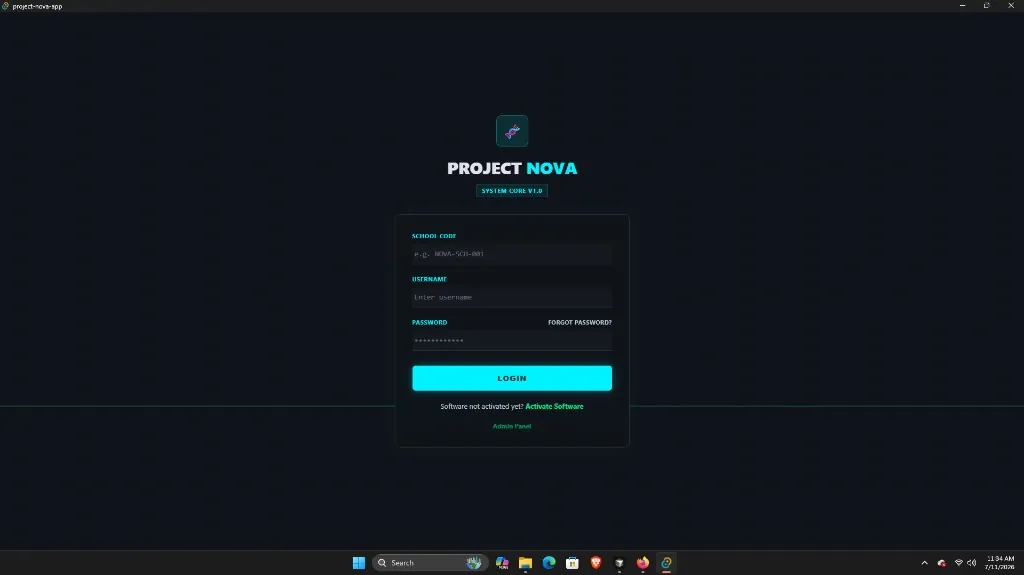
Authentication & school activation — login, admin approval, permanent School ID.
MOD_01AVAILABLE
SYSTEM_BOOT · DEMO_BUILD
This is a complete school operating system.
Institutional desktop OS for enrolment, faculty, scheduling, curriculum simulations, and licensing — offline-ready for Nepal schools.
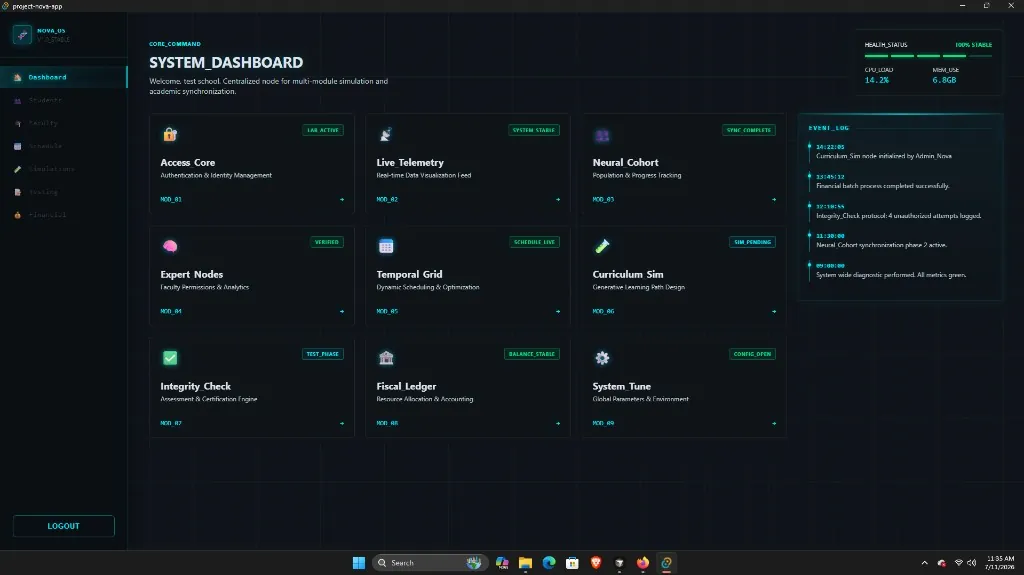
CENTRAL_MODULE_HUB
Same module lattice as the desktop client — school operations, not research theater.
Authentication & school activation — login, admin approval, permanent School ID.
School-wide operational overview — enrolment trends and system health.
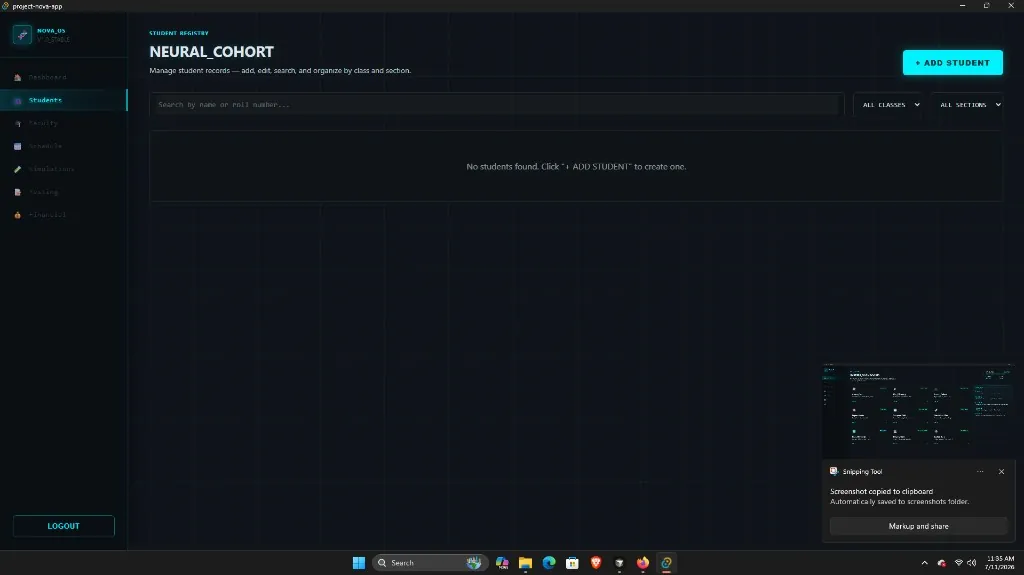
Student registry — add, edit, search, filter by class and section.
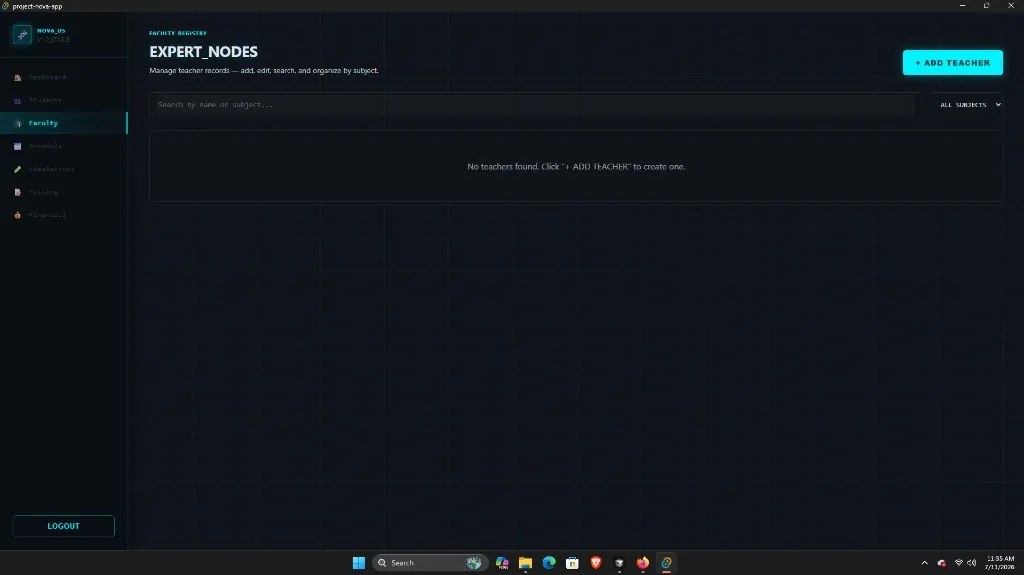
Faculty management — teacher records, subjects, qualifications.
Weekly timetable preview for classes and faculty periods.
Force/Motion, Circulation, Maths & English — interactive lesson previews.
Assessments, marks entry, and certification for the academic year.
License overview, pricing, renewal status, and sample transactions.
Institution settings and configuration for campus deployment.
OPTICAL_FEED
Real captures from the Windows client — framed as system optical feeds.
DEMO_CONSTRAINTS
Limited capacity for evaluation. School ID stays permanent — if you paid, full release download is free.
LICENSE_MATRIX
One license per school. Book within 7 days for early bird rates.
AFTER_WINDOW: Annual Rs. 20,000/yr (renewal Rs. 15,000/yr) · Triennial Rs. 37,000 (renewal Rs. 42,000).
PERMANENT_SCHOOL_ID: School Code (e.g. NOVA-5849), username, phone, email, and school name lock at activation — never change across demo and full release.
DEPLOYMENT_SEQUENCE
From demo activation to full release — credentials stay permanent.
Download, choose Annual or Triennial, submit payment, await admin approval. Receive School Code (e.g. NOVA-5849).
Code, username, password, phone, email, and school name lock at activation. Unchanged in the full version.
When the full build publishes, download free if you already paid. Same School ID and credentials.
Renewal only after your term — Annual Rs. 15,000/year or Triennial Rs. 42,000.
INSTALLER_NODE
Windows 10/11 · 64-bit · Offline-ready desktop application
If Windows shows a SmartScreen warning, click More info → Run anyway. Project Nova is a legitimate unsigned demo build.
If the in-app update prompt does not appear, download this fresh installer and run it. Close Project Nova completely first. Your School ID and login stay the same.
Download Project-Nova-Demo.exe